CV Data Extraction: Generic Format
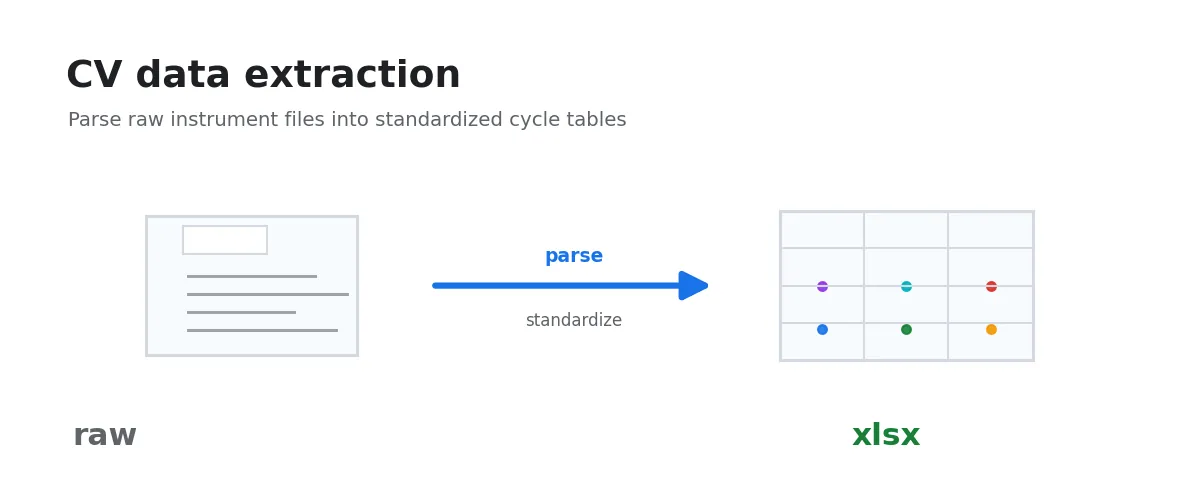
This workflow exports raw CV data to standard CV Excel files. Use it when you want to inspect the recognition result, keep standardized intermediate files, or pass data to another tool. Routine analysis and plotting workflows can also read raw CV data directly.
It recognizes known formats first, then falls back to a heuristic CSV reader.
It attempts the following formats in order:
- CH Instruments (CHI): extracts
Init E (V),Scan Rate,Segment, etc. from the header - DigiSim: extracts
Estart (V),v (V/s),cycles, etc. from the header - EC-Lab MPR: reads the
.mprbinary directly and extractsdE/dt,E1,E2,N - mdat Excel: detects a summary
Namecolumn and extracts each referenced data sheet separately - Generic CSV/TSV/whitespace: auto-detects delimiter and encoding, takes the first two columns as potential / current. Plain CSV does not carry scan parameters — see the note below.
After extraction, the generated standard CV Excel files can be used with CV: Coulombic Efficiency and Capacitance Calculation, CV/Pseudocapacitance Analysis: b-Value Kinetic Analysis, CV/Cdl: Double-Layer Capacitance and Electrochemically Active Surface Area Analysis, and related analyses.
Steps
- Select input folder: choose the folder containing your data files.
- Processing completes automatically. The output folder will be displayed and can be opened directly.
- A stacked plot of the last cycle at each scan rate will be generated for quick inspection.
Supported Formats
This workflow does not restrict file extensions — it determines format by content.
CHI Format
File header contains text like:
Init E (V) = 0
High E (V) = 0.4
Scan Rate (V/s) = 100
Segment = 12
...
Potential/V, Current/A
0.000, -4.207e-6
DigiSim Format
File header contains text like:
source program: xxx
Estart (V): 0
Eswitch (V): 1.0
v (V/s): 0.1
cycles: 3
number of E(V), I(A) couples: 500
0.000, 1.234e-5
mdat Excel Format
The first sheet contains a Name column listing the data sheets to read. Each data sheet stores parameters such as Scan Rate, Potential #2, Potential #3, and Segment Order; numeric potential/current data starts after End Header.
One input Excel file may produce multiple structured .xlsx outputs.
Generic CSV/TSV
The file should contain at least two numeric columns (potential, current):
0.0,1.0e-6
0.1,2.0e-6
0.2,3.0e-6- Supported delimiters: comma
,, tab\t, whitespace, semicolon;, pipe| - Supported encodings: UTF-8, GB18030, Latin-1
- Non-numeric header rows are auto-skipped
Note: the generic CSV path carries no scan parameters.
- The test condition parameter “Metadata” sheet in the output xlsx will be empty. This may cause incorrect results in positive/negative scanning and circle segmentation algorithms.
Output Structure
Each output .xlsx file contains three sheets:
- Metadata: test condition parameters
- Full_Cycles: complete cycles (forward + reverse)
- Scans_Split: separated forward/reverse scans
Troubleshooting
File fails to process
- Prefer this generic workflow first; it includes recognizers for CHI, DigiSim, EC-Lab MPR, and mdat Excel
- Check the exported content: make sure the file contains potential and current data. If the instrument software offers multiple export templates, choose a text, CSV, or Excel export with complete column names and units
- Verify the file is not corrupted or truncated
- Submit a report: reproduce the error, then click the report button next to the error output
Binary files
EC-Lab .mpr and CH Instruments .bin CV files with a verified binary layout are supported.
CHI .bin recognition validates the file signature, duplicated point count, and exact data-tail
length. Other unknown .bin files are not parsed based on their extension alone.