EIS Data Extraction: Generic Format
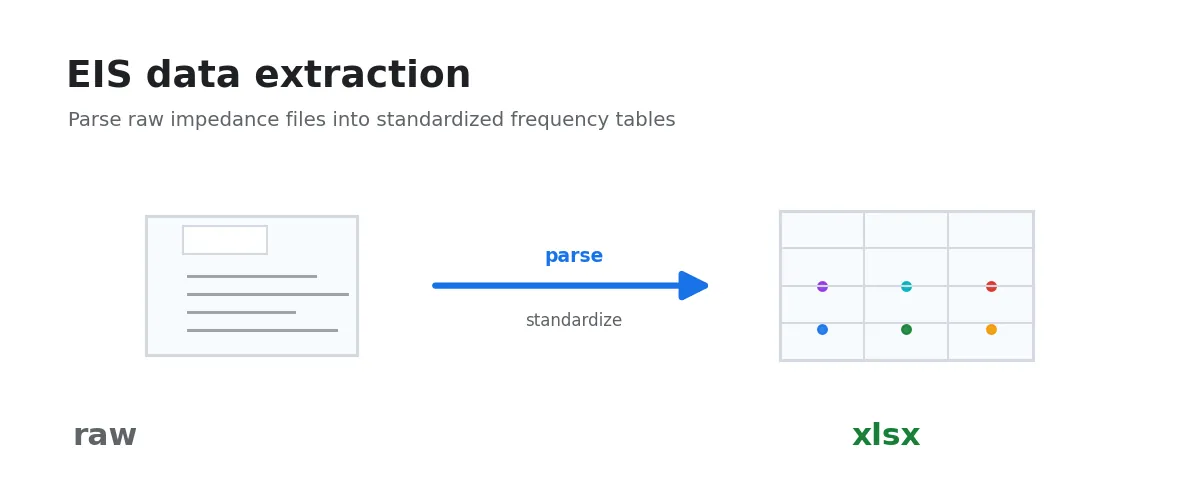
This workflow exports raw EIS data to standard EIS CSV files. Use it when you want to inspect the recognition result, keep standardized intermediate files, or pass data to another tool. Routine analysis and plotting workflows can also read raw EIS data directly.
It recognizes supported instrument formats first, then falls back to a heuristic three-column reader.
It attempts the following formats in order:
- CH Instruments (CHI): detects
Freq/Hz,Z'/ohm,Z"/ohmcolumn headers - BioLogic EC-Lab (text export): detects
freq/Hz,Re(Z)/Ohm,-Im(Z)/Ohmcolumn headers. - RelaxIS 3.0: detects Excel export (first row “RelaxIS 3.0 Spectrum export”)
- Autolab/NOVA: detects NOVA Excel exports with
Frequency (Hz),Z' (Ω), and-Z'' (Ω)columns - CorrTest
.z60: detects CorrTest for Windows.z60files (ID_EISVSFRQ) withFreq(Hz),Z'(Ohm.cm²), andZ''(Ohm.cm²)columns - Donghua / in-situ EIS: detects repeated
Freq/Zre/Zimheaders in one text file and splits them into segments - Generic CSV/TSV/whitespace: auto-detects delimiter, encoding, and data start row; uses first 3 columns as freq / real / imag
After extraction, the generated standard EIS CSV files can be used with EIS Plotting: Nyquist and Bode Visualization, EIS/DRT Analysis: Mapping Frequency-Domain Impedance to a Distribution of Relaxation Times, EIS Blank Subtraction, or EIS Equivalent-Circuit Fitting: Interpreting Impedance Spectra with Physical Models.
Steps
- Select input folder: choose the folder containing your EIS data files.
- Processing completes automatically. The output folder will be displayed and can be opened directly.
Supported Formats
This workflow does not restrict file extensions — it determines format by content.
CHI EIS Format
File contains a data table starting with Freq/Hz:
Freq/Hz, Z'/ohm, Z"/ohm, ...
100000, 4.59, -0.0036
82365, 4.59, -0.067
BioLogic EC-Lab EIS Format
Tab-separated text export with freq/Hz, Re(Z)/Ohm, -Im(Z)/Ohm columns:
freq/Hz	Re(Z)/Ohm	-Im(Z)/Ohm
1.0000371E+005	4.5929394E+000	3.6256851E-003
Autolab/NOVA xlsx Format
Autolab NOVA .xlsx / .xls exports can be selected directly. The workflow scans the first rows in each sheet for EIS headers and extracts frequency, real impedance, and imaginary impedance by column name:
Index	Frequency (Hz)	Z' (Ω)	-Z'' (Ω)	Z (Ω)	-Phase (°)	Time (s)
1	100000	4.269760	-0.219386	4.275392	-2.941349	17186.017538
The -Z'' (Ω) column is negated automatically to produce standard z_imag_ohm.
CorrTest .z60 EIS Format
CorrTest for Windows .z60 files can be selected directly without converting to CSV first. The file header contains Z60W Data File, CorrTest for Windows, and ID_EISVSFRQ, followed by a tab-separated data table:
Freq(Hz)	Ampl(mV)	Bias(V)	Time(Sec)	Z'(Ohm.cm²)	Z''(Ohm.cm²)	GD	Err	Range
1.00000E+05	5.00000E+00	4.65254E-01	8.74254E+00	4.23068E+00	-1.53862E+00	0.00000E+00	0	0
Donghua / In-Situ EIS Format
A single text file may contain multiple EIS blocks. Each time the workflow encounters a header that identifies frequency, real impedance, and imaginary impedance columns, it starts a new segment and exports it as a separate CSV.
When multiple segments are detected, output filenames include _seg1, _seg2, and so on.
Generic CSV/TSV
Files should contain at least 3 numeric columns (frequency, Z’, Z"):
1000,4.5,-1.2
500,4.6,-1.5- Delimiters:
,\t;|(space autodetected) - Encodings: UTF-8, GB18030, Latin-1
- Non-numeric header rows are auto-skipped
Output Structure
Each input file produces {filename}_eis.csv with the following columns:
| Column | Meaning | Unit |
|---|---|---|
freq_hz | Frequency | Hz |
z_real_ohm | Real impedance | Ohm |
z_imag_ohm | Imaginary impedance | Ohm |
z_mod_ohm | Impedance modulus | Ohm |
phase_deg | Phase angle | deg |
Data is sorted by frequency in descending order.
Troubleshooting
All files fail to process
- Prefer this generic workflow first; it includes recognizers for CHI, EC-Lab, RelaxIS, Autolab/NOVA, and Donghua / in-situ EIS
- Check the exported content: make sure the file contains frequency, impedance real part, and impedance imaginary part. If the instrument software offers multiple export templates, choose a text, CSV, or Excel export with complete column names and units
- Verify the file is not corrupted
- Submit a report: reproduce the error, then click the report button next to the error output
Imaginary impedance sign
Different instruments use different sign conventions. CHI and CorrTest .z60 output Z" (typically already negative); EC-Lab and Autolab/NOVA may output -Im(Z) / -Z'' columns. For the recognized CHI / EC-Lab / RelaxIS / Autolab/NOVA / CorrTest .z60 / in-situ EIS formats, this workflow normalizes the sign so that z_imag_ohm follows the capacitive-impedance convention.
The generic CSV/TSV path performs no sign conversion — it takes the third column as z_imag_ohm verbatim. If your file’s third column is -Im(Z), negate it beforehand or the resulting Nyquist plot will be flipped vertically.